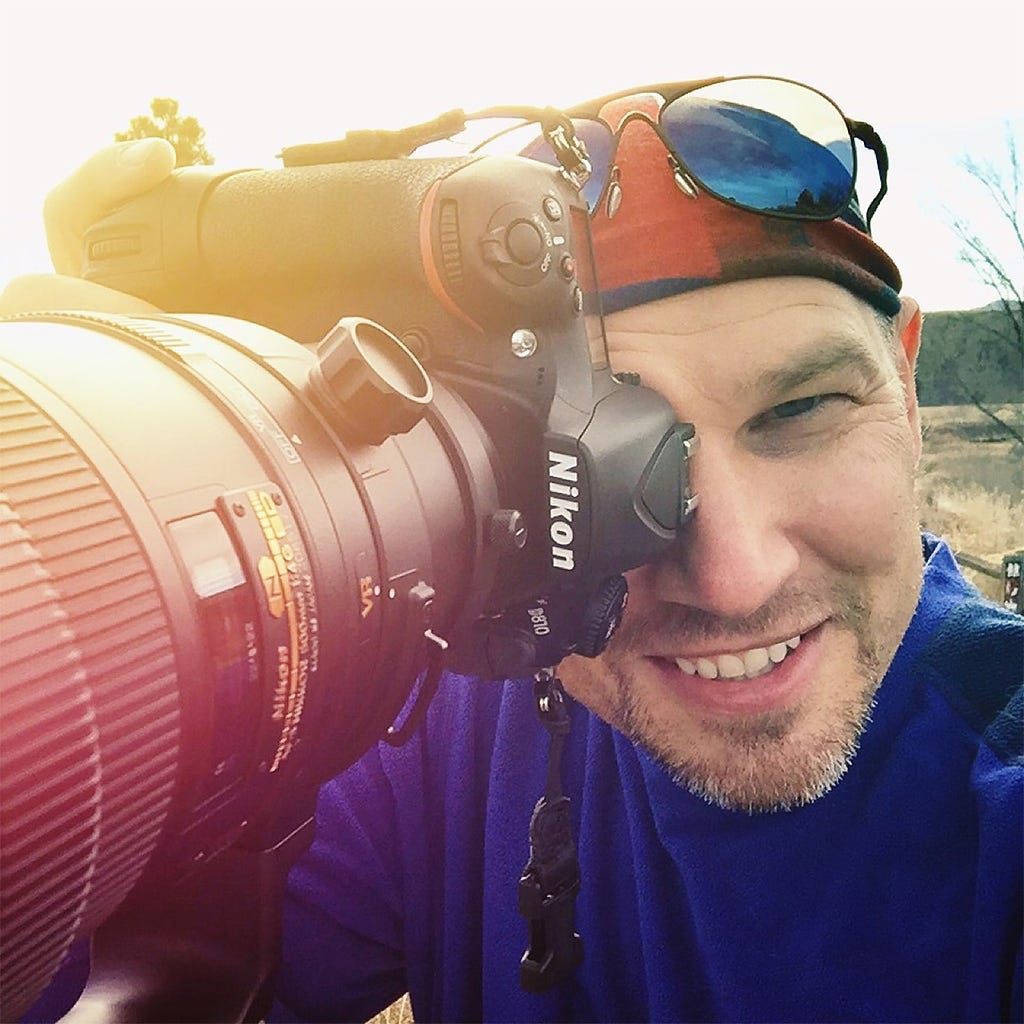
Here’s the image I processed live today:
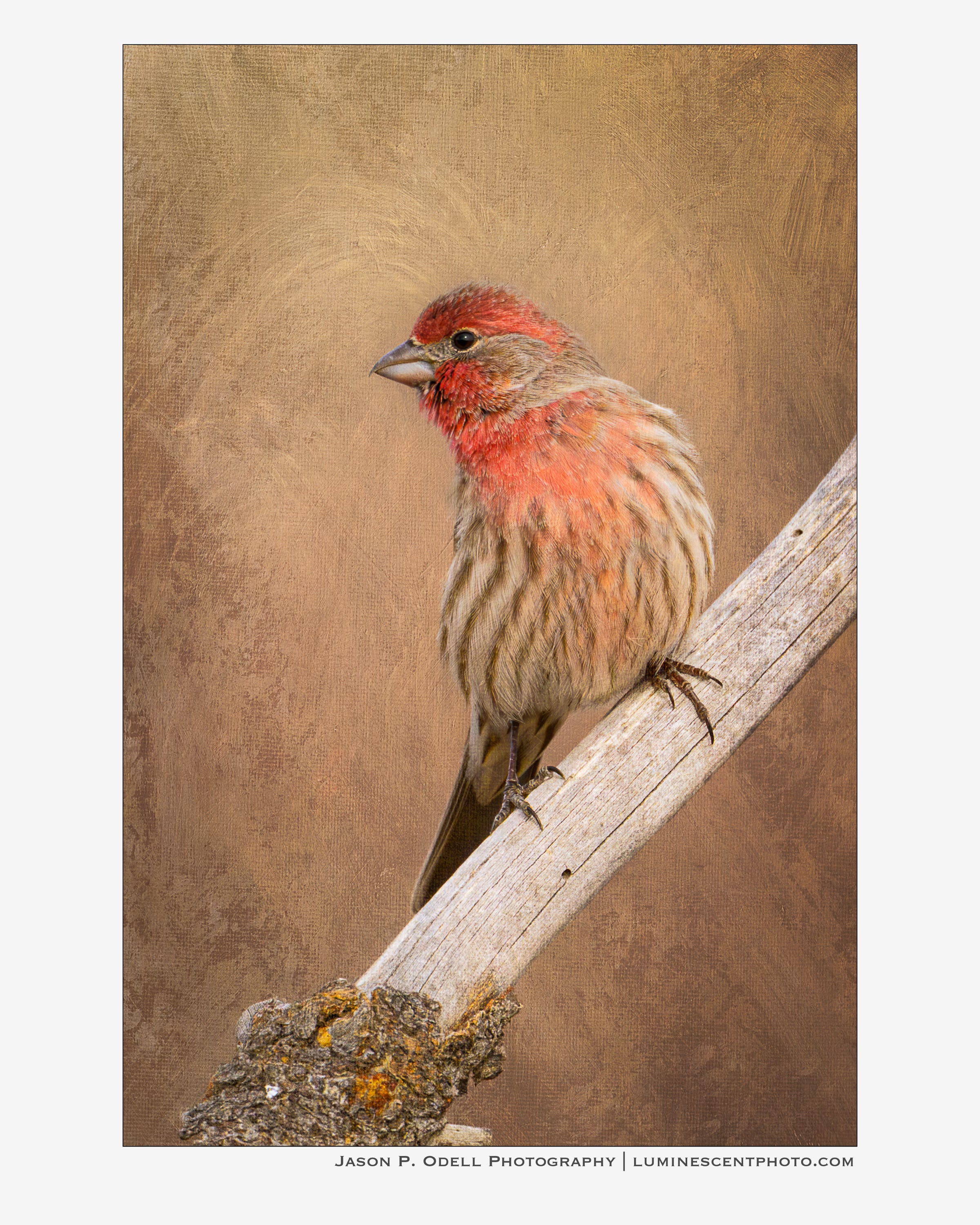
You’ll notice it has a textured background. That’s because this image is a composite of a photograph I captured and a canvas painting that I made. I put them together in Photoshop and used a combination of blending modes and layer masking to reveal the parts of each image that I wanted to show through.
My royalty-free textures are available for download in my eShop!
I also highly recommend getting the wonderful texture images from Flypaper Textures. I’ve bought many of their packs over the years and they are an indispensable part of my creative workflow. Use discount code JASONO and you’ll save 15% off any texture pack!